01
Not a timer with a nicer button.
A reminder can be ignored. A notification can be swiped away. Unchair waits for real movement before it considers the break complete.
UNCHAIR · macOS · OPEN SOURCE
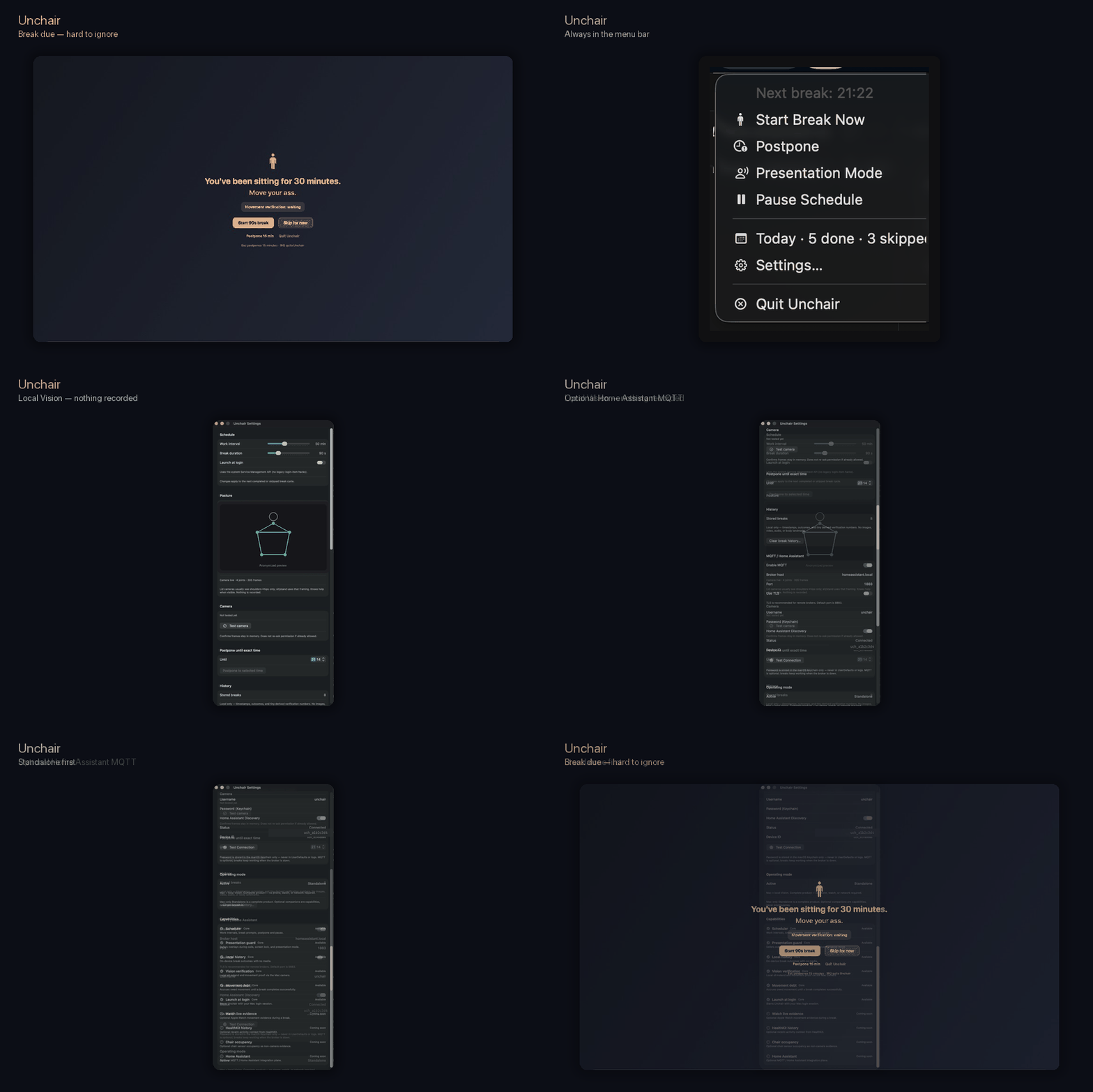
Unchair is a mildly annoying, local-first macOS app that turns break reminders into movement you can actually verify.
movement_debt > 0 → human_action_requiredWhy I built it
I spend my days in front of a Mac, somewhere between architecture, incidents, CI and agents doing their thing. Classic break reminders have one fatal flaw: I can dismiss them without moving. Unchair keeps the movement debt and, if you allow it, verifies sit → stand locally with Apple Vision.
01
A reminder can be ignored. A notification can be swiped away. Unchair waits for real movement before it considers the break complete.
02
Frames, masks and landmarks stay in memory on the Mac, then disappear. No account, no recorded video, no upload.
03
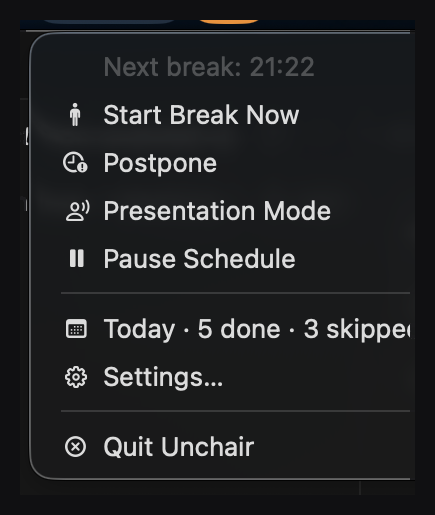
The engine defers interruptions while the Mac is locked, asleep, idle, or strong presentation/call signals are present. The movement debt returns afterwards.
04
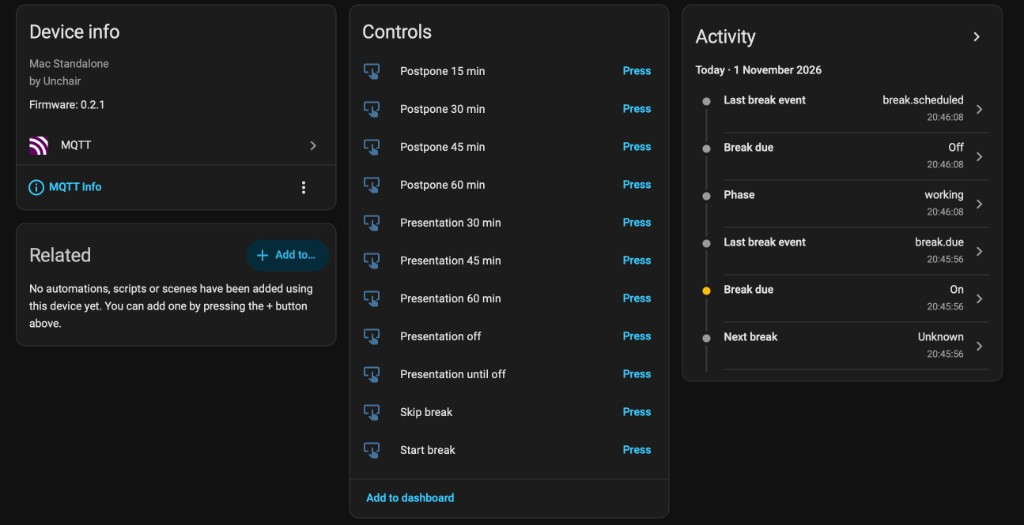
MQTT Discovery exposes derived Unchair state plus a narrow command allowlist. Your desk light can go orange, then red, before you reconsider your life choices.
Under the hood
Due, postponed, presentation-deferred and movement-verified transitions stay explicit and testable.
The core loop works without a backend, Home Assistant or a network connection.
OpenMetrics/Prometheus and tracing let you inspect the human runtime without requiring a cloud service.
Developer ID signed, notarized and stapled builds, DMG + ZIP, with Sparkle updates.
The product, not the pitch
desk time→break due→stand→move→verified ✓Still comparing?
I put all three side by side without a fake winner: platforms, movement verification, meetings, open source, pricing and integrations.
Read the factual comparisonPublic roadmap
No invented marketing dates: GitHub issues are the source of truth. Shipped work is closed; upcoming work stays open and inspectable.
See the full roadmap on GitHubAvailable now
v0.1 → v0.4.0Next
open issues · no promised dateApple Enhanced
v1.5Human Reliability Engineering
v2.x · labFAQ
Unchair keeps the core deliberately boring: local-first, no mandatory account, and as little hidden magic as possible.
No. Camera frames and Apple Vision data used for movement verification are processed in memory on your Mac. They are not recorded or uploaded.
No. Break reminders work without visual verification. Camera access is only needed if you want Unchair to verify locally that you actually stood up and moved.
Unchair detects strong presentation or call signals and defers interruptions. The movement debt is not discarded; it returns when the context is normal again.
Work and sitting clocks pause while the Mac is locked, asleep, or idle for long enough. Coming back to your desk therefore does not automatically turn lunch into two hours of sitting.
No. Home Assistant and MQTT are entirely optional. Break scheduling, camera verification, presentation mode and local stats keep working without a broker.
Not for the core loop. The standalone path needs no cloud account or backend. Networking is only used by optional features such as MQTT, OpenMetrics and direct-channel updates.
Unchair is 100% free and open source under the MIT license. There is no subscription, paid license or mandatory account. The source, releases and privacy model are public on GitHub.
Unchair targets macOS 14 and later. Direct builds are Developer ID signed, notarized and stapled, with in-app updates powered by Sparkle.
UNCHAIR · macOS · OPEN SOURCE
Unchair is free, open source and runs on macOS 14+. Install it before another two-hour session of “I just need to finish this one thing”.
The engineering write-up at Omnivya ↗Workplace wellbeing in practice — a French field note from My Dare ↗
Built by Étienne Deneuve. The annoyance is a feature.